Run the whole campaign. From one command center.
Renegade Intel connects your voter file, field program, texting, email, fundraising, creative, opponent intelligence, and AI strategy in one operating system — so every part of the campaign informs every other part.
A category of one, built for the whole campaign.
The tool sprawl ends here.
A typical campaign duct-tapes together a voter CRM, a texting vendor, an email platform, a field app, a design subscription, a research service, opponent monitoring, an AI chatbot, and a spreadsheet of analytics. Renegade brings those workflows into one connected operating system.
A campaign manager that reads your numbers before you wake up.
Put the question to the whole cabinet.
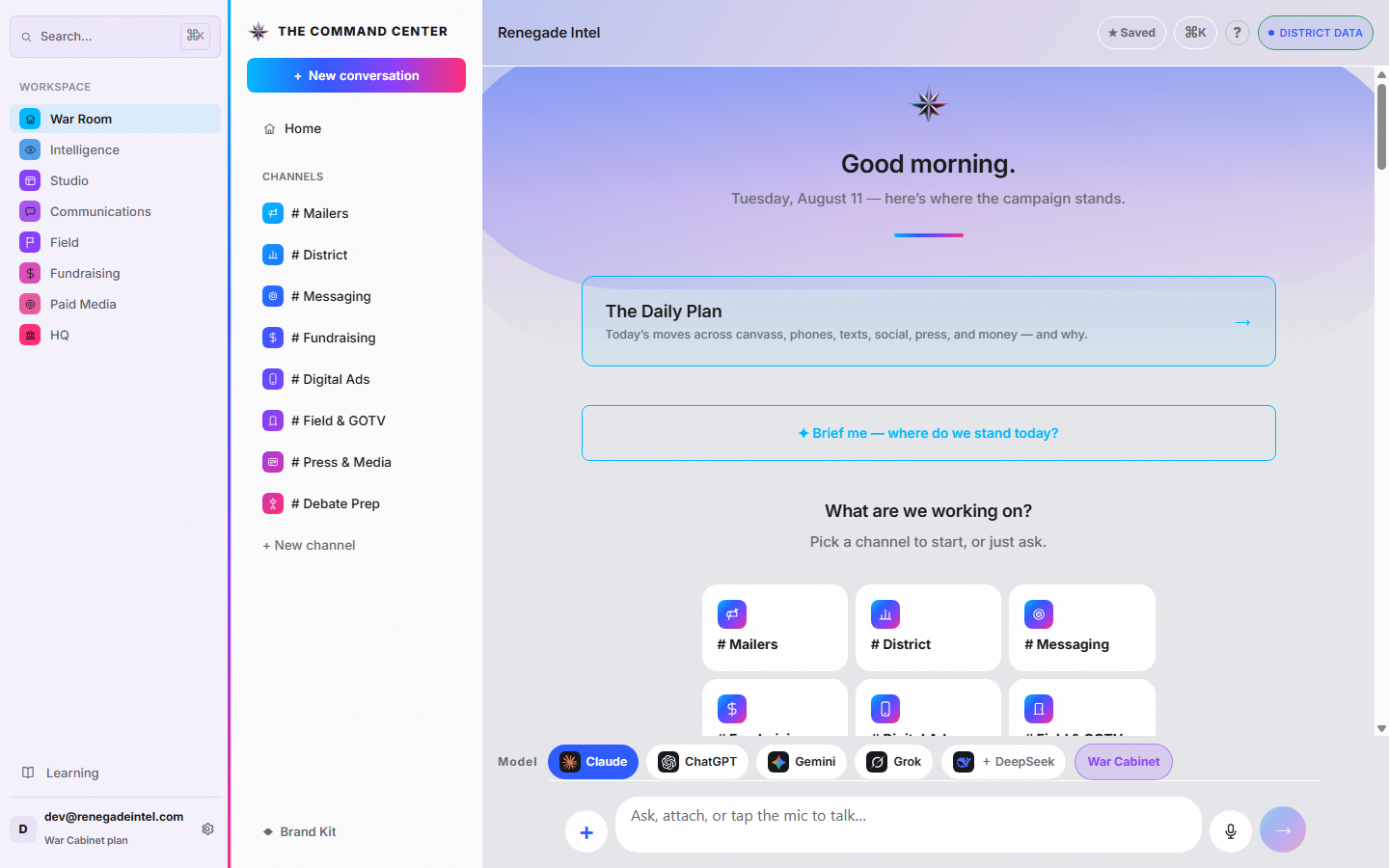
Several frontier AIs answer the same question at once — each labeled with the model that actually wrote it, synthesized into one verdict. When advisors disagree, you see the disagreement.
Access all five frontier AI models — Claude, ChatGPT, Gemini, Grok and DeepSeek. The model picker comes with Kitchen Cabinet and War Cabinet; on Operative you chat with Claude.
Hey Carlos. On War Cabinet, escalate a question to a real strategist — Carlos Sierra reads it and replies personally.
Explore the War Room →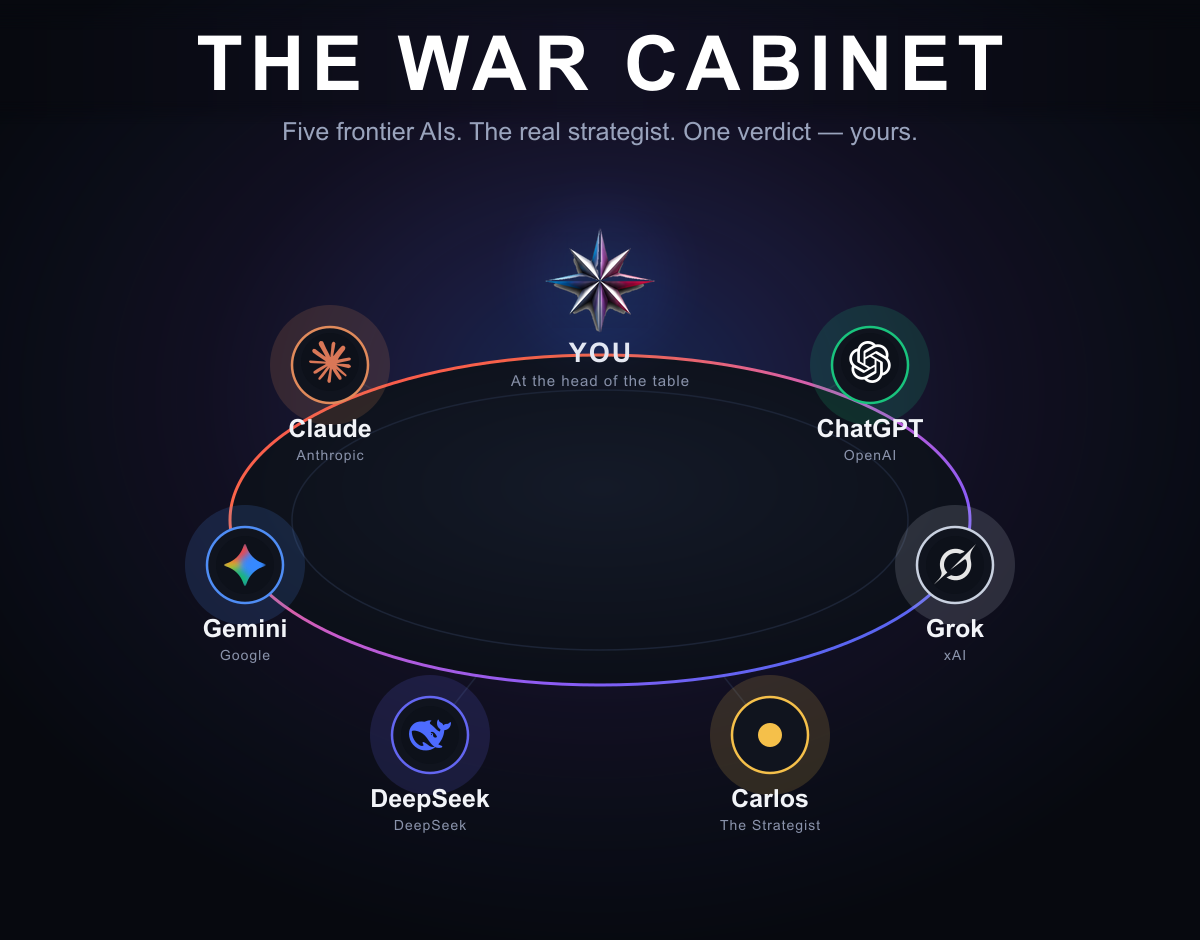
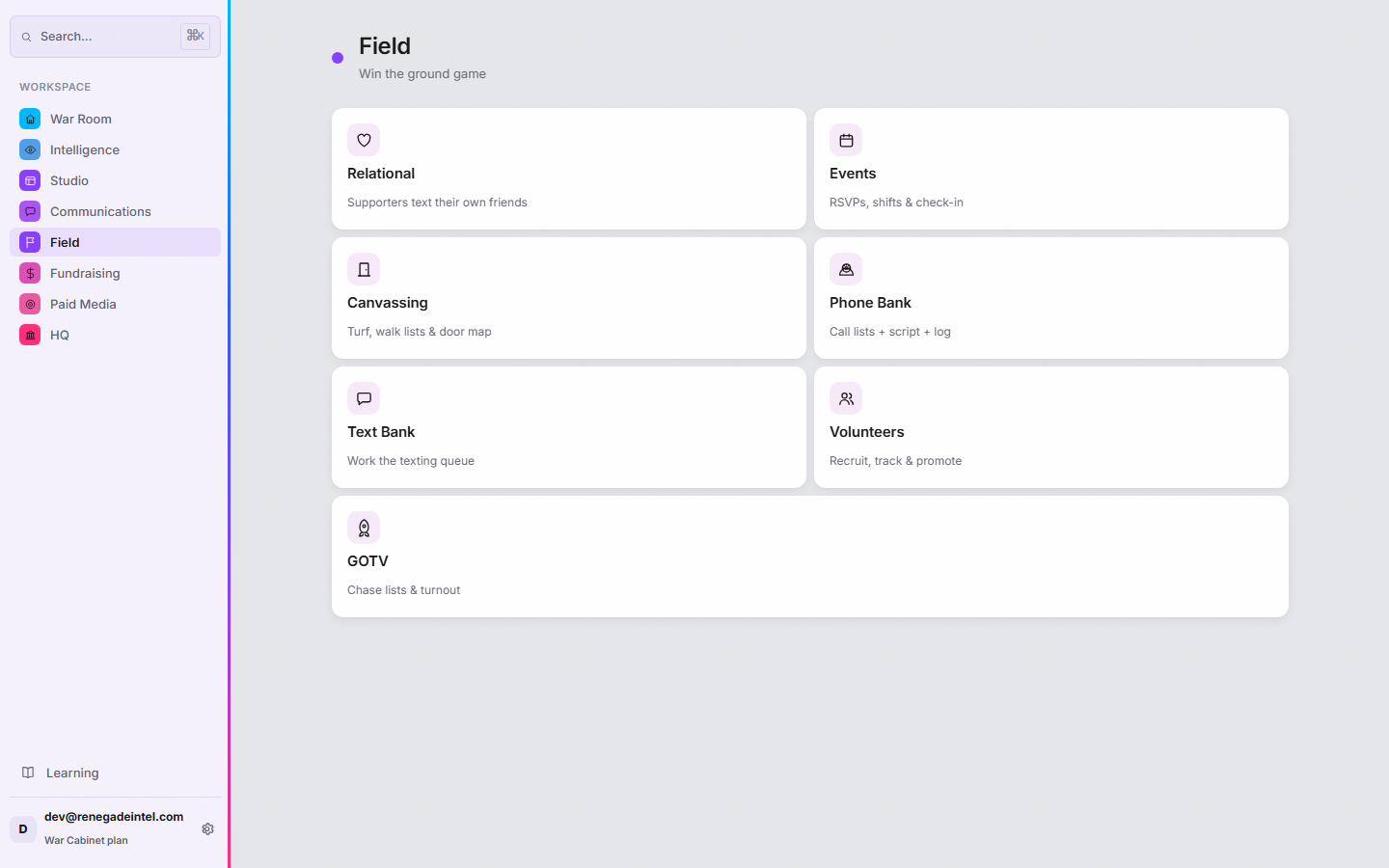
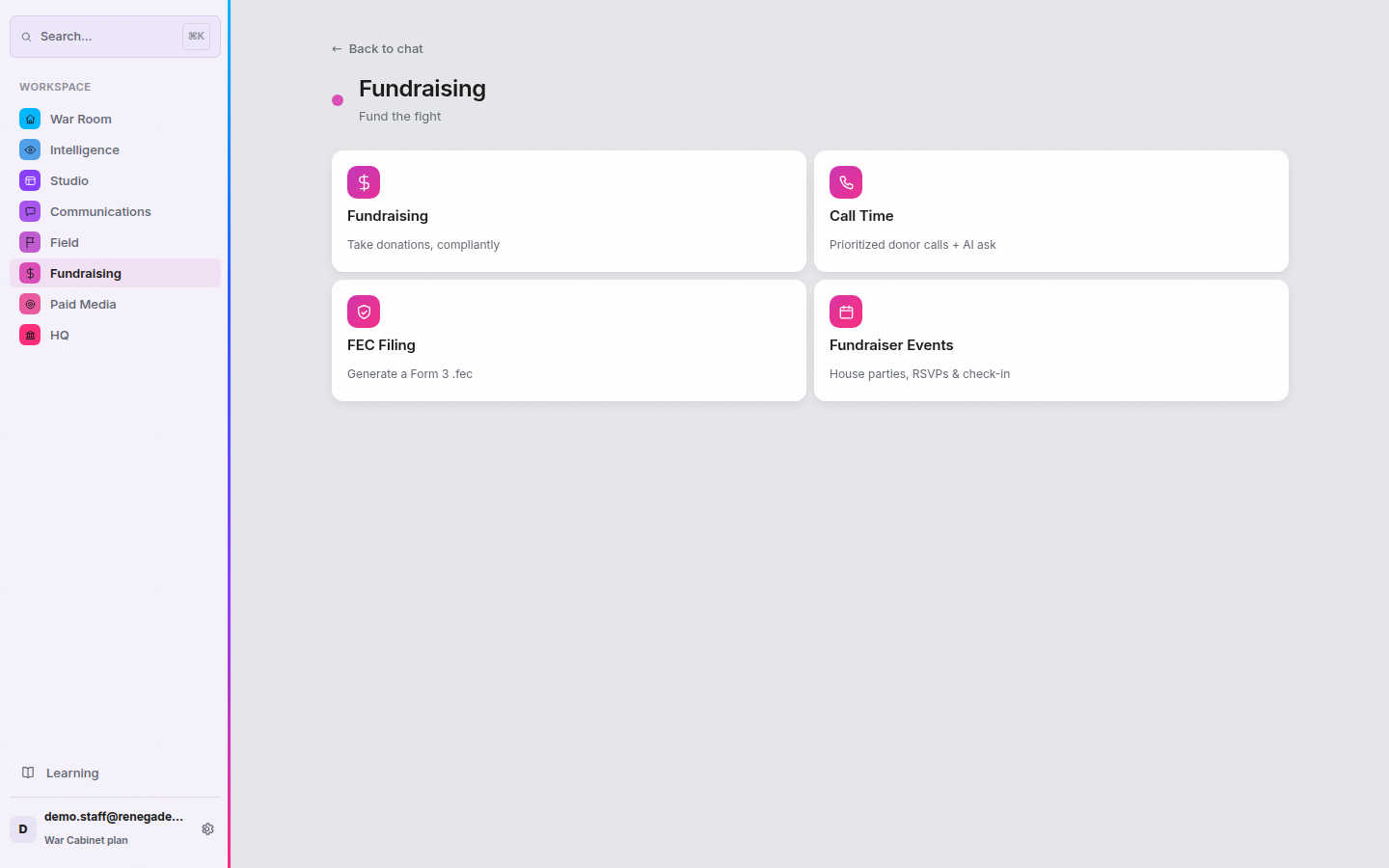
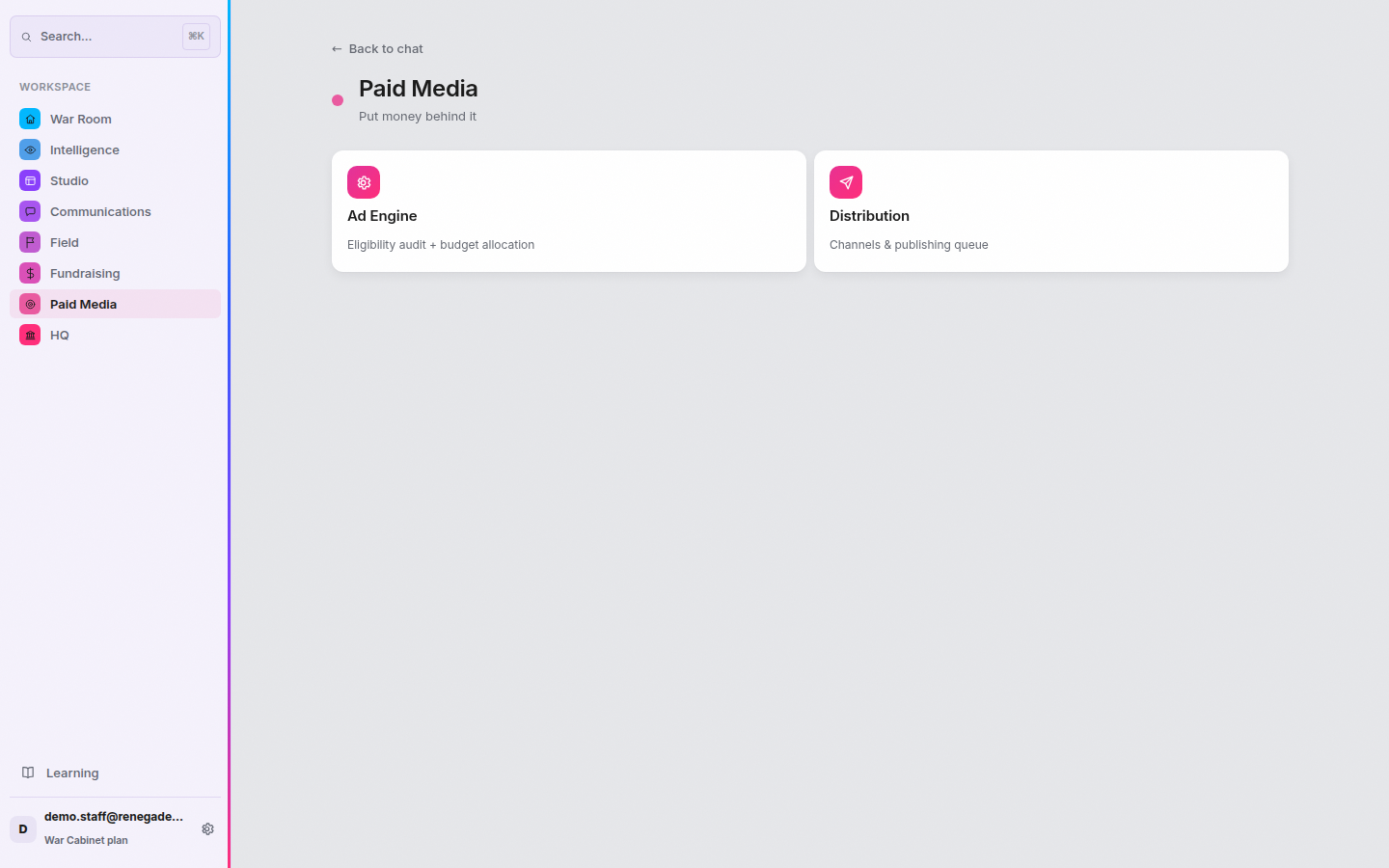
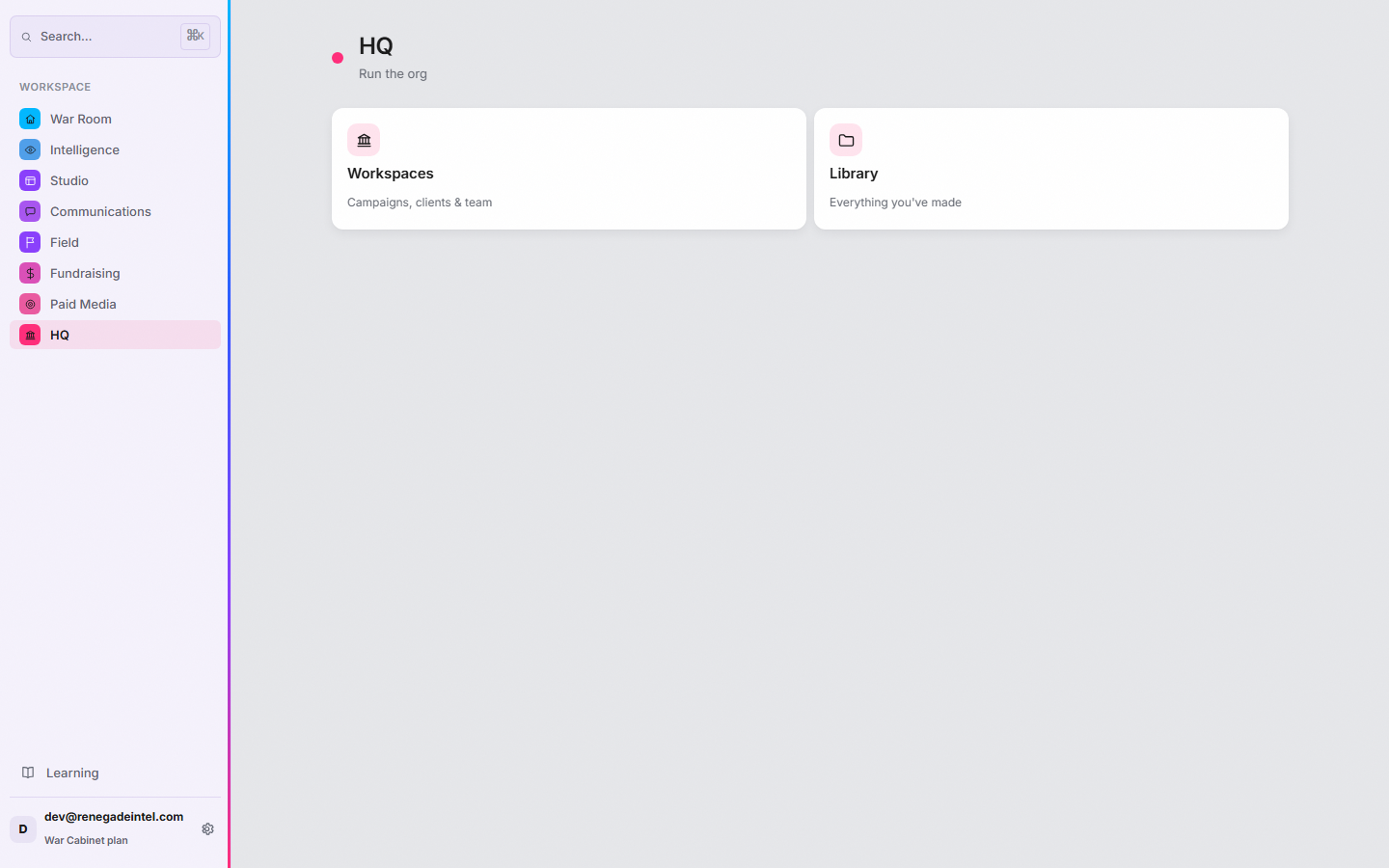
The work of the campaign, in one place.
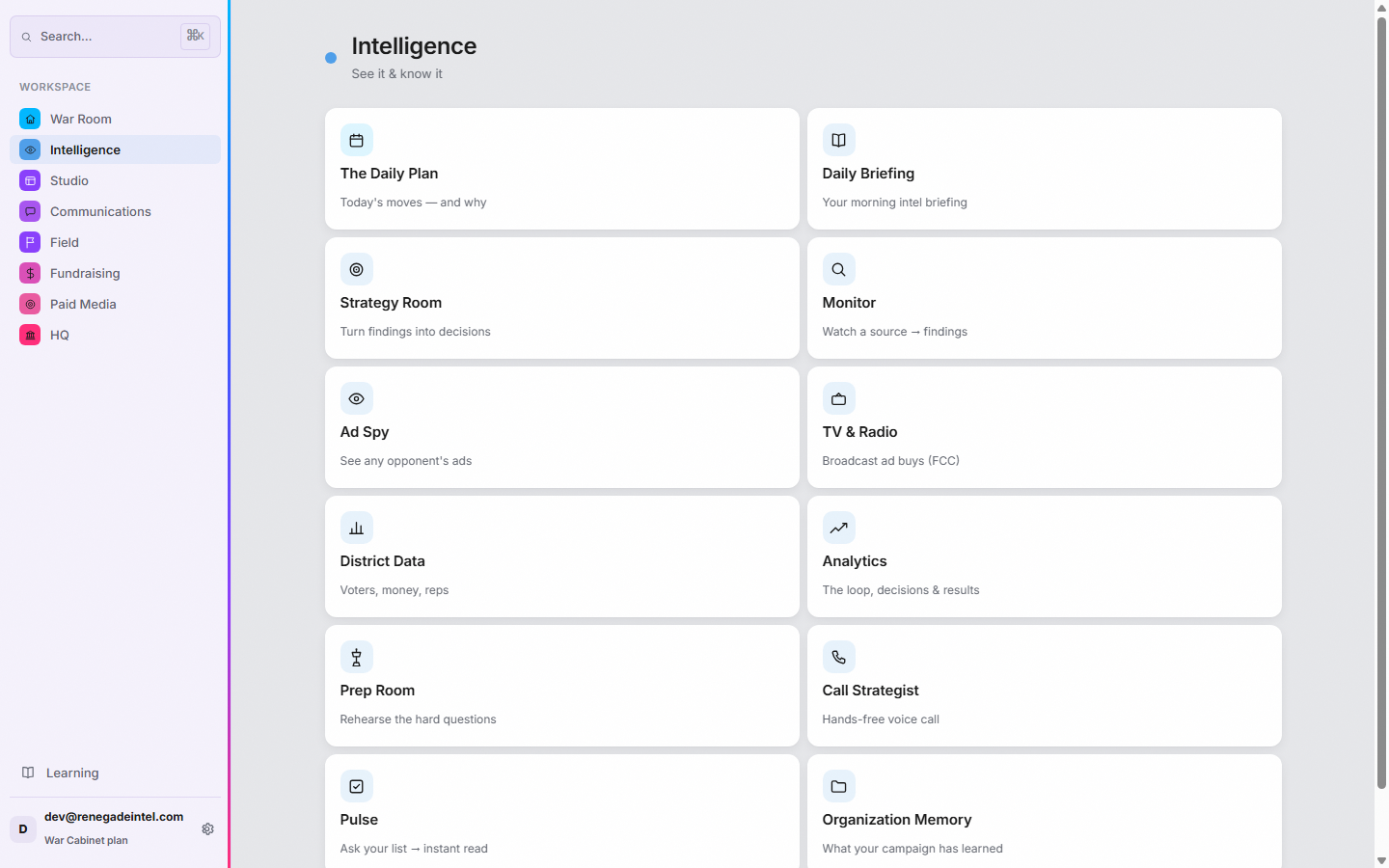
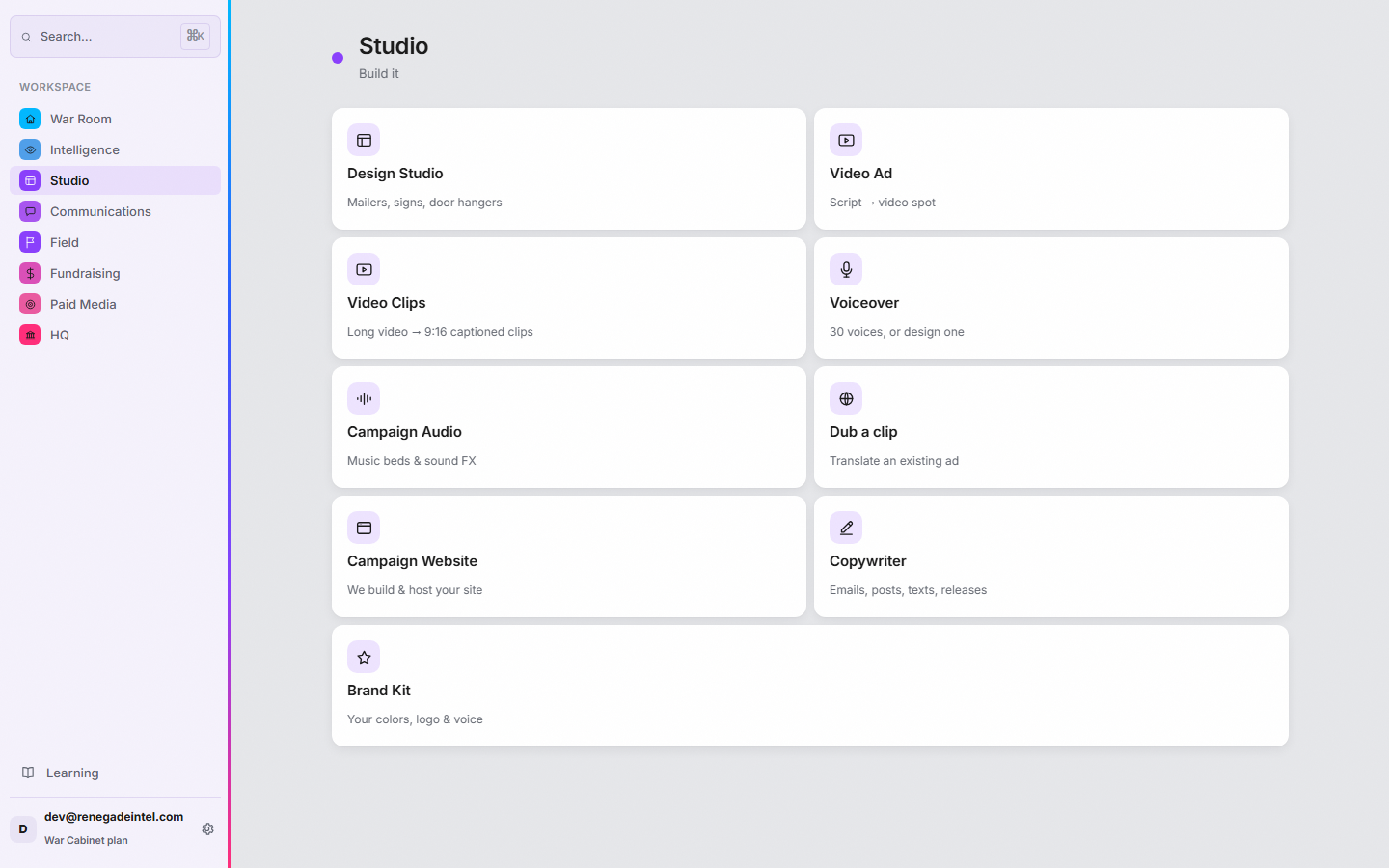
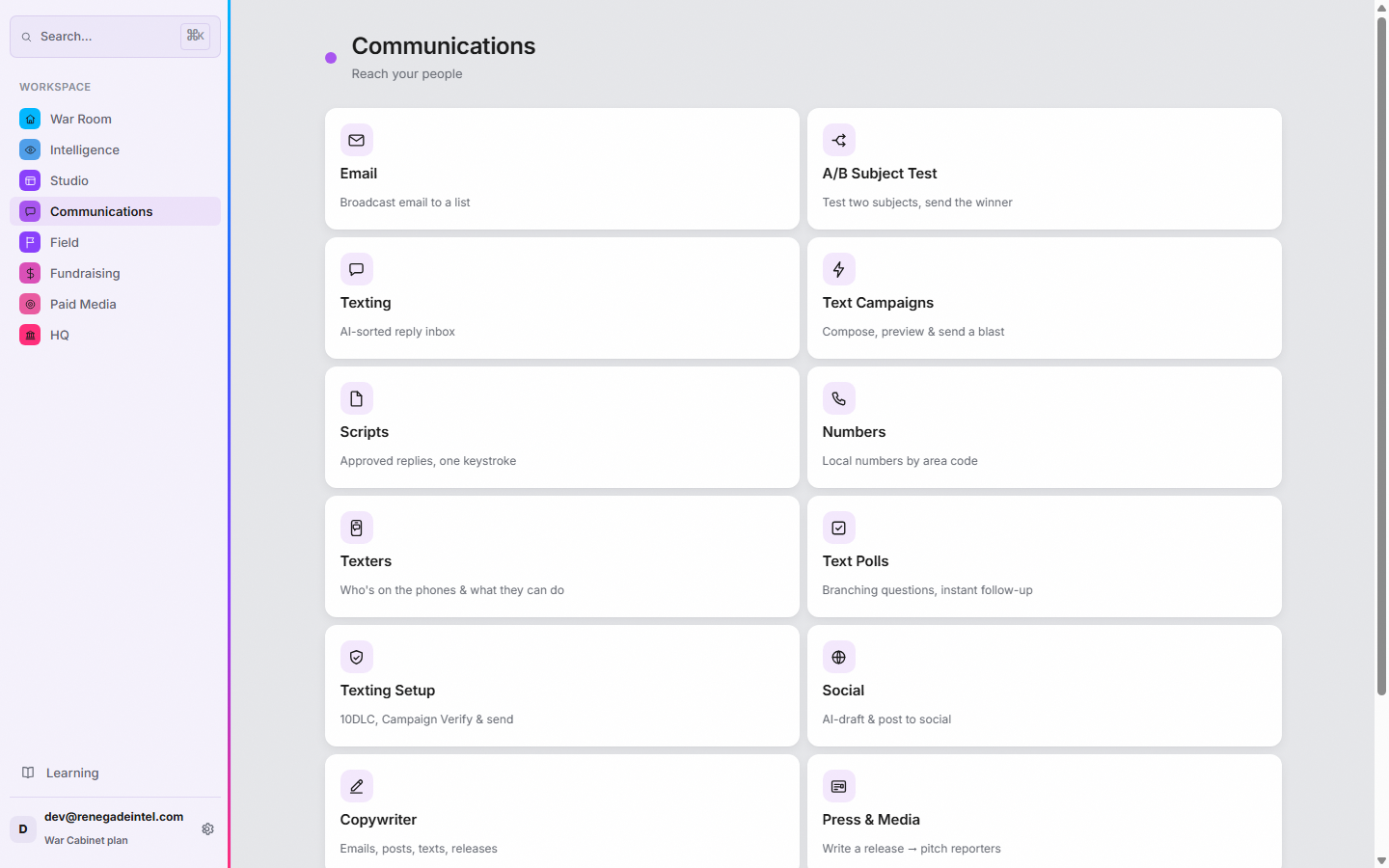
Eight modules.
The whole console — click any module to see what's inside.

Meet Carlos. The human in the loop.
Renegade was built by Carlos Sierra — a campaign operative with 25 years of races behind him and the author of Rules for Renegades. The AI runs your day. Carlos is the escalation path when the call really matters.
Hey Carlos. On the War Cabinet plan, send the hard question past the AI to Carlos himself — he reads it and replies personally.
Designer websites. Pick one — our team builds and hosts it.
Every template is a real, live site — nonpartisan designs for any candidate, any party, any level. Choose one and Renegade's team brands it to your campaign, wires the signup forms into your CRM, and hosts it for you. Included with Kitchen Cabinet and War Cabinet.
Any race. Any level. Any party.
Three plans. Every module in all of them.
The plan buys the operating system. Messaging is billed at flat per-message rates — the same rates on every plan — from a prepaid balance, so hard costs stay transparent and you only pay for what you send.
Send it yourself or have our team run the send — same rate. Texting requires your committee's one-time carrier registration (Campaign Verify + 10DLC); we walk you through it. Voter file: bring your own at no charge, or buy a fresh district file at member pricing.
FAQ

The other side is figuring this out too.
Set up your command center this week — the setup checklist ticks off when the work is really done, not when you say it is.